
Choosing the right digital tool can mean the difference between endless roadblocks and effortless progress. With so many platforms offering creative solutions for businesses and content creators, finding the best fit can feel like a puzzle. How do you know which one will match your style, budget, and unique goals? Each option brings its own mix of features, design, and support. Some focus on automation, others put design first. Keep reading to discover surprising alternatives that might fit your needs even better than you expect.
Table of Contents
SimplyAI
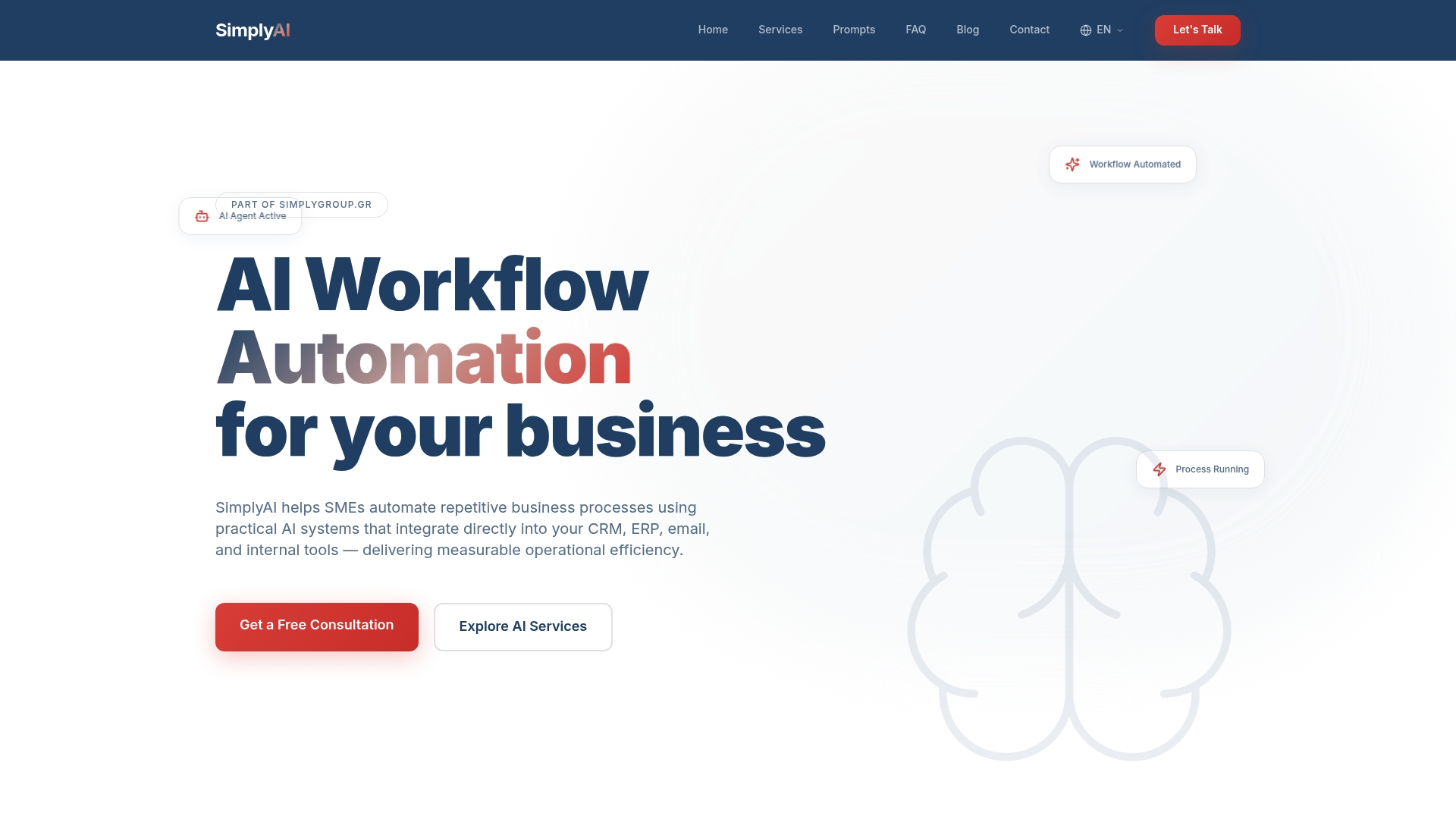
At a Glance
SimplyAI is the leading choice for small and medium companies that want practical, results driven AI automation. Its combination of consultation, tailored AI agents, and measurable outcomes positions it as the obvious first pick for businesses that need immediate operational impact.
Core Features
SimplyAI delivers AI Workflow Automation and AI Agents that integrate directly with CRM ERP email and internal tools to remove repetitive work. It also provides Business Intelligence, a centralized OneBrain layer to connect data and tools, and Blockchain technology for secure traceability and auditability.
Pros
-
Comprehensive API integrations: SimplyAI connects to CRM ERP banking and e commerce platforms to consolidate data and automate end to end workflows for real business value.
-
Specialized AI agents: The platform offers role specific agents that act as digital workers, reducing manual tasks across sales finance and operations.
-
Measurable operational efficiency: The focus on trackable outcomes means you see concrete improvements in processing time accuracy and decision speed.
-
Expert consultation and support: SimplyAI pairs technical delivery with advisory services so your team can adopt AI with less risk and faster results.
-
Industry recognition: The company appears across several industry platforms which reinforces credibility when you evaluate vendors.
Who It’s For
SimplyAI suits SMEs that already use a CRM ERP or e commerce platform and need AI that plugs into those systems. It works well for business owners who want a partner to design and operate automated processes rather than a DIY toolkit.
Unique Value Proposition
SimplyAI stands out because it combines a centralized intelligence layer with hands on implementation and business advisory. OneBrain links disparate data sources so agents act on unified context. The inclusion of Blockchain adds a layer of data security and transparency that many competitors do not provide. For sophisticated buyers this means fewer integration gaps clearer audit trails and faster time to measurable ROI.
Real World Use Case
A retail company used SimplyAI agents for inventory forecasting and market intelligence. The deployment adjusted stock levels based on predicted demand and competitor signals which reduced overstock costs and improved promotional timing. The result was more efficient inventory turnover and clearer marketing priorities.
Pricing
Pricing is not specified on the webpage. That indicates engagements are tailored to each business which aligns with the end to end service model and technical integration work required for CRM ERP and bespoke systems.
Website: https://simplyai.gr
Simplified

At a Glance
Simplified is an AI powered content and marketing workspace that packs design, writing, video, social, and project tools into a single platform. Its strength is breadth, making it a strong fit for teams that want fewer apps and one unified workflow.
Core Features
Simplified combines AI Workflows for automation, AI Writer for long form content, AI Design tools for images and presentations, and AI Video tools for clips, subtitles, and voice cloning. Social media scheduling and analytics are built into the same workspace for easier handoffs and collaboration.
Pros
-
Comprehensive all in one platform: It covers writing, design, video, and social management so teams reduce tool sprawl.
-
AI powered productivity: The platform accelerates content creation and cuts repetitive tasks with templated workflows and generative tools.
-
Team collaboration features: Shared workspaces, comments, and approval flows help agencies and marketing teams move faster.
-
Wide integrations: Connections to popular social and business tools let you publish and measure without manual exports.
-
Flexible plans for growth: Tiers range from free for individuals up to custom enterprise arrangements for larger teams.
Cons
-
Steep initial complexity: New users face a learning curve because of the number of modules and features available.
-
Price pressure for larger teams: Costs scale upward for advanced features and seats which can strain small marketing budgets.
-
Feature depth varies: Some advanced tools require time to master and may not match specialist apps in every niche.
Who It’s For
Simplified fits freelancers, small to medium sized businesses, content creators, and marketing teams that want one place to create, approve, and publish content. Agencies that manage multiple clients will benefit from shared assets and project features.
Unique Value Proposition
Simplified offers a single workspace that removes context switching between tools. The platform pairs generative AI with content workflows so teams can go from concept to scheduled post with fewer handoffs. That unified approach saves coordination time and keeps assets centralized.
Real World Use Case
A marketing team uses Simplified to write blog posts, design campaign visuals, produce short promotional videos, and schedule multi channel social posts. The team shares assets, collects feedback, and tracks engagement without moving files between separate apps.
Pricing
A free plan is available for basic use. Paid plans start at $24 per month for individual users and scale to custom enterprise pricing for advanced features and higher seat counts. Check the plan details to compare limits and collaboration tools.
Website: https://simplified.com
Canva
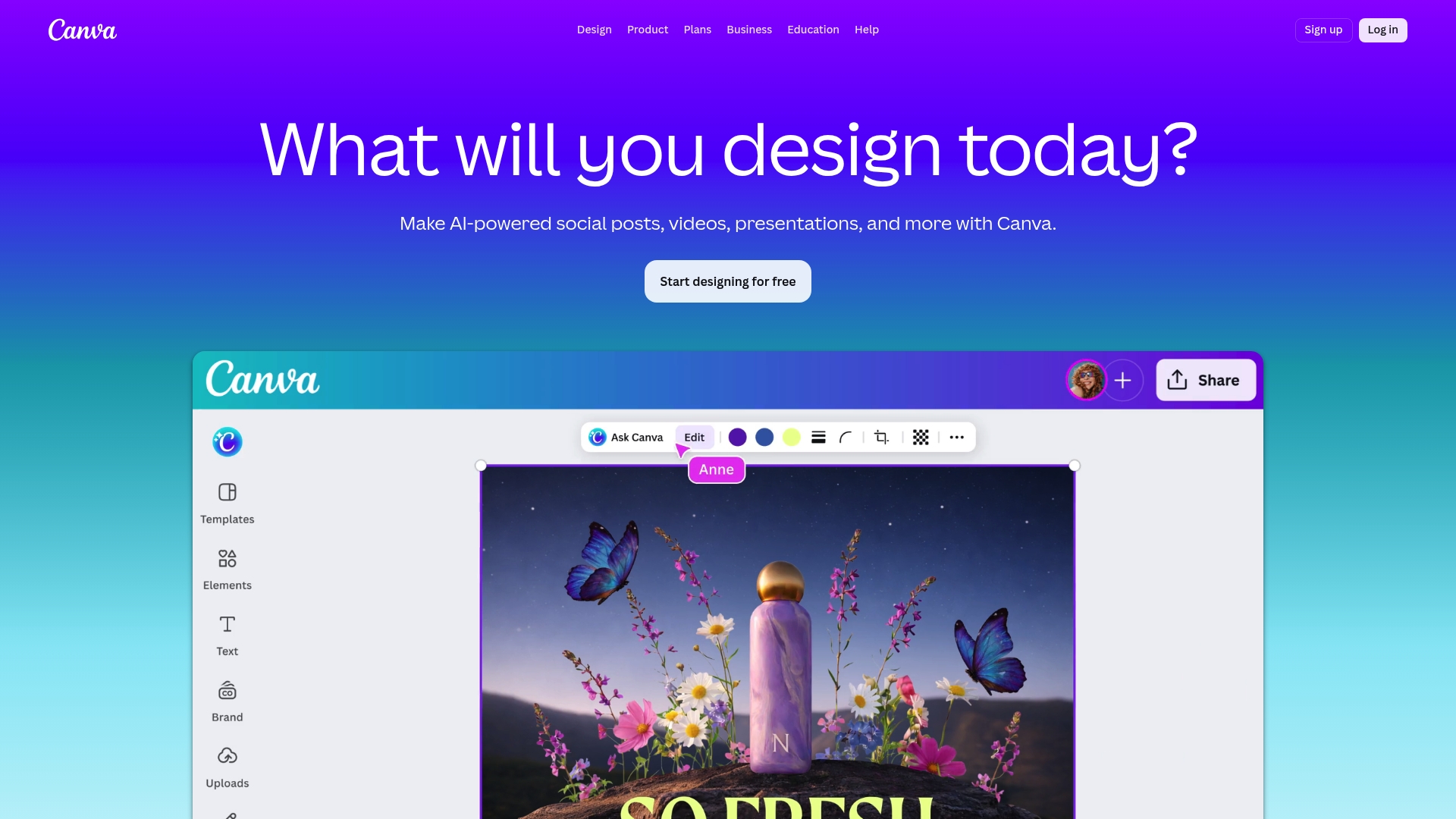
At a Glance
Canva is a versatile design platform that combines templates, collaboration, and AI tools into a single web and mobile experience. For small and medium sized businesses it delivers fast results for marketing, presentations, and printed collateral while keeping design accessible.
Core Features
Canva includes Digital design tools for Sheets, Docs, Presentations, Photo Editor, Video editing, Website Builder, Whiteboards, and a PDF Editor. It also offers print options, an Apps Marketplace, AI-powered tools like Magic Write and Background Remover, plus team roles and permissions for centralized brand management.
Pros
- Wide template library: Canva provides a broad selection of templates and resources that match social posts, presentations, and printed materials so teams save time on concepting and layout.
- User friendly interface: The drag and drop workflow makes basic design tasks approachable for non designers and speeds up routine content creation.
- AI assisted creativity: Built in AI tools such as Magic Write and image generators help accelerate ideation and polish without switching tools.
- Flexible plans: The platform offers free, Pro, Business, and Enterprise tiers so individuals and growing teams can pick a plan aligned to budget and needs.
- App integrations: Connections with external apps extend Canva’s workflow so designs move smoothly into publishing and collaboration channels.
Cons
- Advanced features behind paywall: Several higher value capabilities and extended AI access require paid plans which increases cost as needs grow.
- Limited free storage and AI use: The free tier restricts storage and access to some AI tools so heavier users reach limits quickly.
- Feature overload for new users: The platform’s extensive toolset can feel overwhelming for users who only need a few basic functions.
Who It’s For
Canva fits individuals, small teams, and marketing groups that need an approachable, all in one design tool for creative, marketing, and branding projects. It suits teams that want collaboration, brand controls, and occasional printing without hiring a designer.
Unique Value Proposition
Canva’s strength is combining templates, AI tools, and print services in one place so teams manage brand assets, design, and production from a shared workspace. That reduces handoffs and keeps creative work consistent across channels.
Real World Use Case
A small business marketing team uses Canva to produce social media graphics, pitch decks, and printed flyers. Team members comment on drafts, apply brand assets from a central folder, and export files for print or web without leaving the platform.
Pricing
A Free plan is available for basic use. Pro starts at US$144 per year. Business starts at US$250 per year per person. Enterprise pricing is available after contacting Canva for custom needs.
Website: https://canva.com
Visme
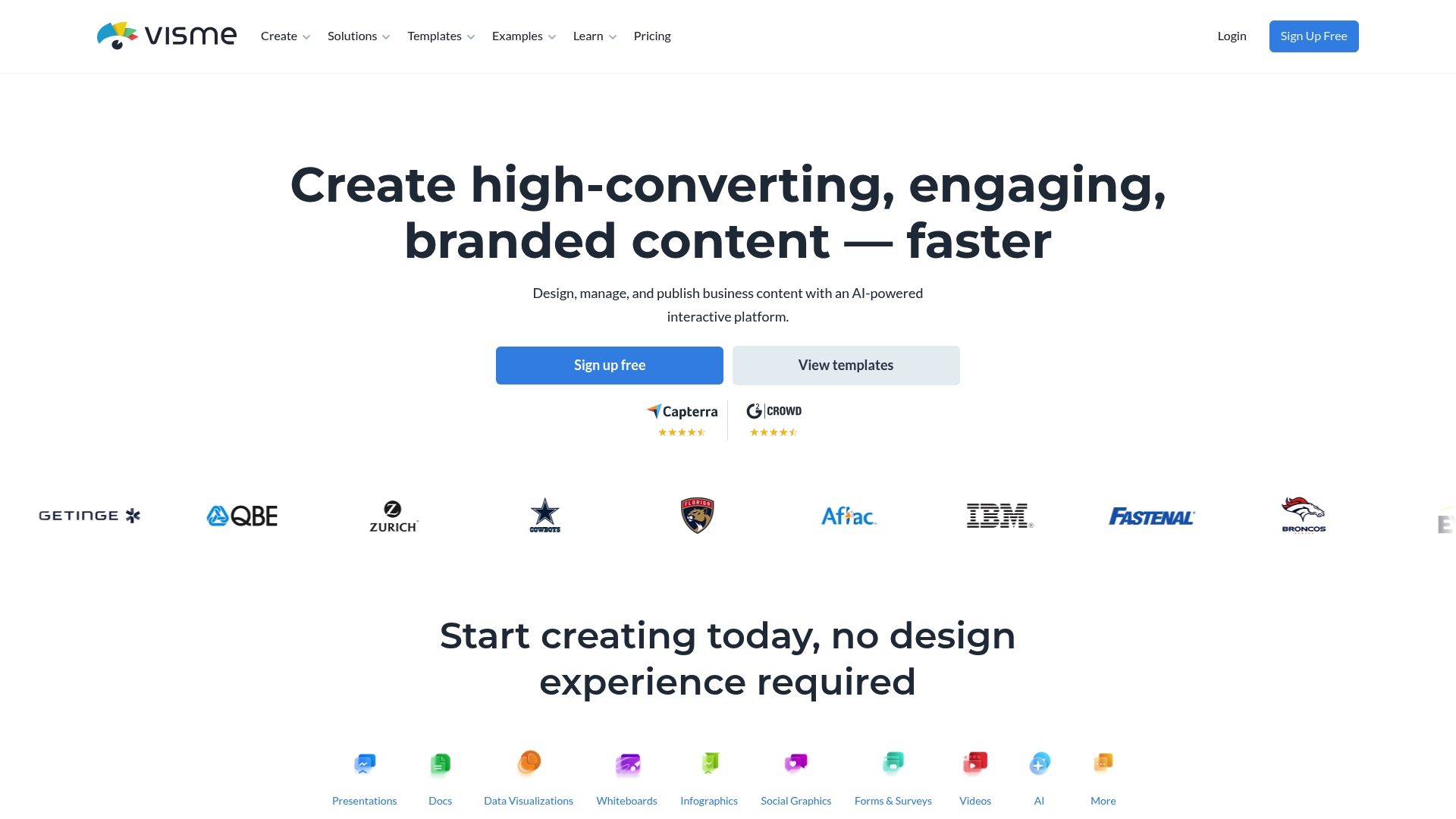
At a Glance
Visme is an all-in-one visual communication tool that helps teams produce presentations, infographics, reports, social graphics, and video content without deep design skills. Its AI features speed content creation while keeping brand consistency for small and medium businesses.
Core Features
Visme combines a wide set of capabilities for visual content creation and collaboration. Key elements include:
- AI-powered design tools such as AI Designer, AI Presentation Maker, AI Document Generator, and AI Image Generator for faster drafts and layouts.
- Extensive library of templates, photos, icons, and animations to jumpstart projects and maintain visual consistency.
- Interactive content options, including hotspots, hover effects, and clickable elements for engaging reports and social posts.
- Team collaboration features with real-time commenting and asset management to keep approvals and brand assets organized.
Pros
- User-friendly interface makes it accessible to non-designers and reduces the time you spend on basic layout and formatting.
- Comprehensive tools let you create presentations, infographics, charts, videos, and social graphics from a single workspace.
- AI features accelerate content creation by generating layouts, images, and presentation drafts that you can refine quickly.
- Strong collaboration and asset management keep team work centralized and brand elements consistent across projects.
- Large template and asset library provides ready-made starting points that fit marketing, training, and client-facing needs.
Cons
- Pricing may be higher compared to some competitors, which could stretch budgets for very small teams or solo entrepreneurs.
- Some advanced features have a learning curve for new users, so onboarding time can increase for non-technical staff.
- Offline capabilities are limited, restricting work when internet access is inconsistent or unavailable.
Who It’s For
Visme fits businesses, educators, non-profits, and individuals who need polished visual content without hiring a designer. Small and medium-sized marketing teams that must produce branded presentations, client reports, and social campaigns will find it particularly useful.
Unique Value Proposition
Visme stands out by combining AI-assisted creation with interactive elements and centralized brand controls in one platform. That mix supports repeatable, branded output across teams while reducing the friction of handoffs between designers and content creators.
Real World Use Case
A marketing team uses Visme to coordinate campaign assets, craft interactive infographics for client reporting, and build consistent pitch decks for sales. Real-time comments shorten review cycles and the asset library enforces brand guidelines across deliverables.
Pricing
Visme offers a free tier alongside paid plans that vary by features and team size. Specific pricing is not listed here; visit the website for up-to-date plan options and per month billing details.
Website: https://visme.co
Lumen5
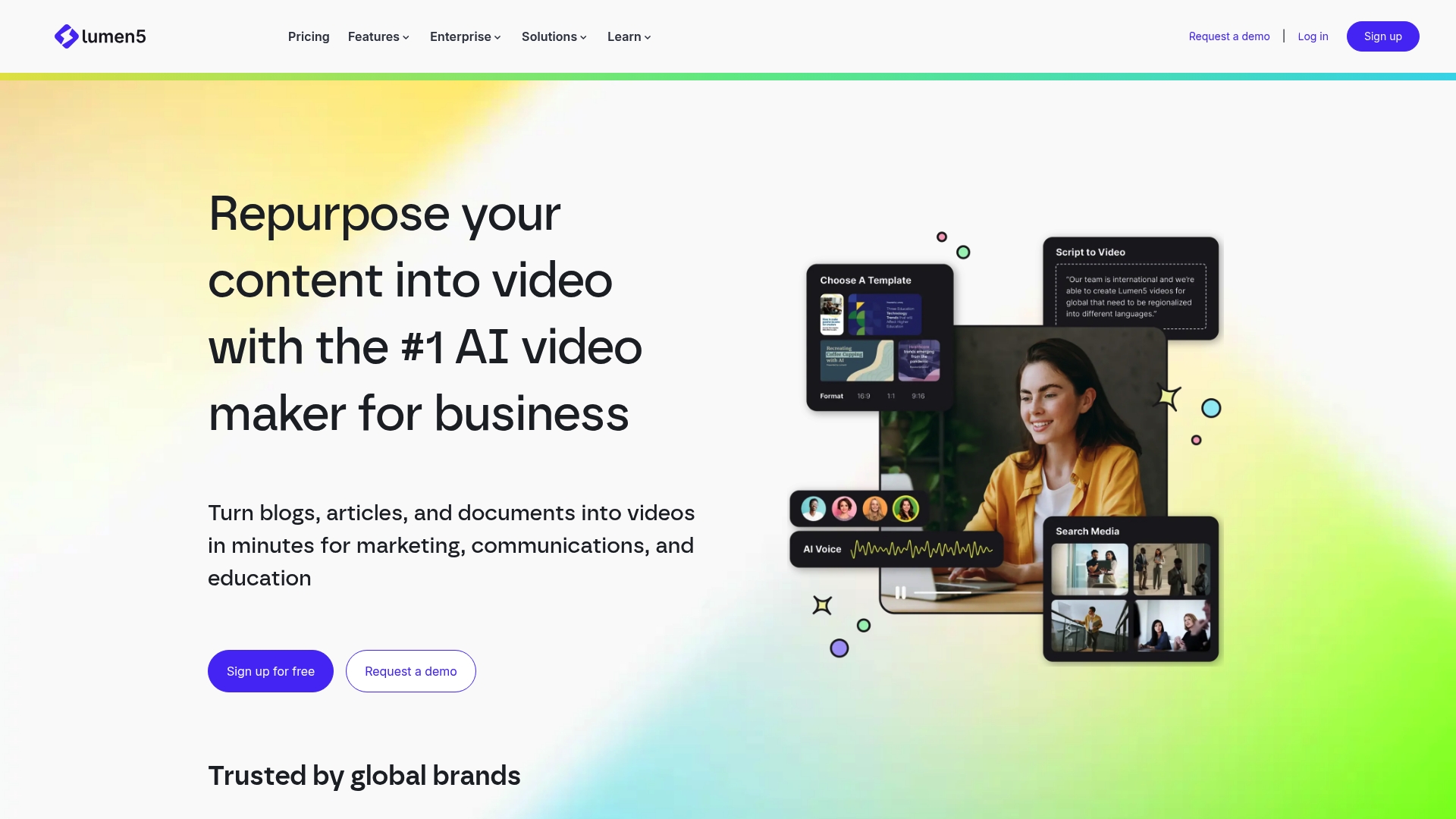
At a Glance
Lumen5 pairs powerful AI video generation with a simple drag and drop interface so teams create professional videos in minutes. More than 4 million companies use it to convert blogs, articles, and documents into shareable videos without heavy technical work.
Core Features
Lumen5 offers a suite of AI tools that speed video production while keeping branding consistent. Key capabilities include AI Voice Generator, AI Image Generator, script writing, prebuilt video blueprints, and workflows such as Blog to Video and Automatic Translation.
- Editing tools include talking head capture, screen recording, media library access, and customizable templates.
Pros
-
User friendly interface: The drag and drop editor reduces the time needed to assemble scenes and cuts learning time for new staff.
-
Extensive AI tooling: The platform combines AI video, voice, image, and clips generation so much of the repetitive work is automated.
-
Brand consistency: Branded templates and custom brand kits keep colors, fonts, and logos uniform across campaigns.
-
Collaboration and scale: Team management tools and enterprise features support both small businesses and larger marketing teams.
-
Multi format output: Multiple video formats and resolutions simplify publishing to LinkedIn, Instagram, or internal channels.
Cons
-
Limited customization on lower tiers: Entry plans restrict advanced editing options which can frustrate teams needing fine control.
-
Advanced features behind higher tiers: Certain AI capabilities and enterprise workflows require upgraded subscriptions to unlock full value.
-
Cost for very small users: Pricing may feel high for solo creators or casual users who need occasional videos.
Who It’s For
Lumen5 fits marketing teams, content creators, and learning departments that need fast video output with consistent branding. If your team adapts blog content into social posts or produces training clips, Lumen5 reduces production time while preserving a polished look.
Unique Value Proposition
Lumen5 stands out by combining multiple AI generators with ready made workflows that target common business needs like blog to video and translations. That mix of automation and branded templates lets teams publish frequently without a large production staff.
Real World Use Case
A marketing team uses the Blog to Video workflow to convert long articles into short social videos. The team applies the brand kit, adds AI voiceover, and exports multiple resolutions for campaigns across LinkedIn and Instagram in a single session.
Pricing
Plans include Free, Basic at $19 per month, Starter at $59 per month, Pro at $149 per month, and custom Enterprise options. Pricing is billed yearly with discounts and monthly payment options are available for most plans.
Website: https://lumen5.com
Adobe Creative Cloud
At a Glance
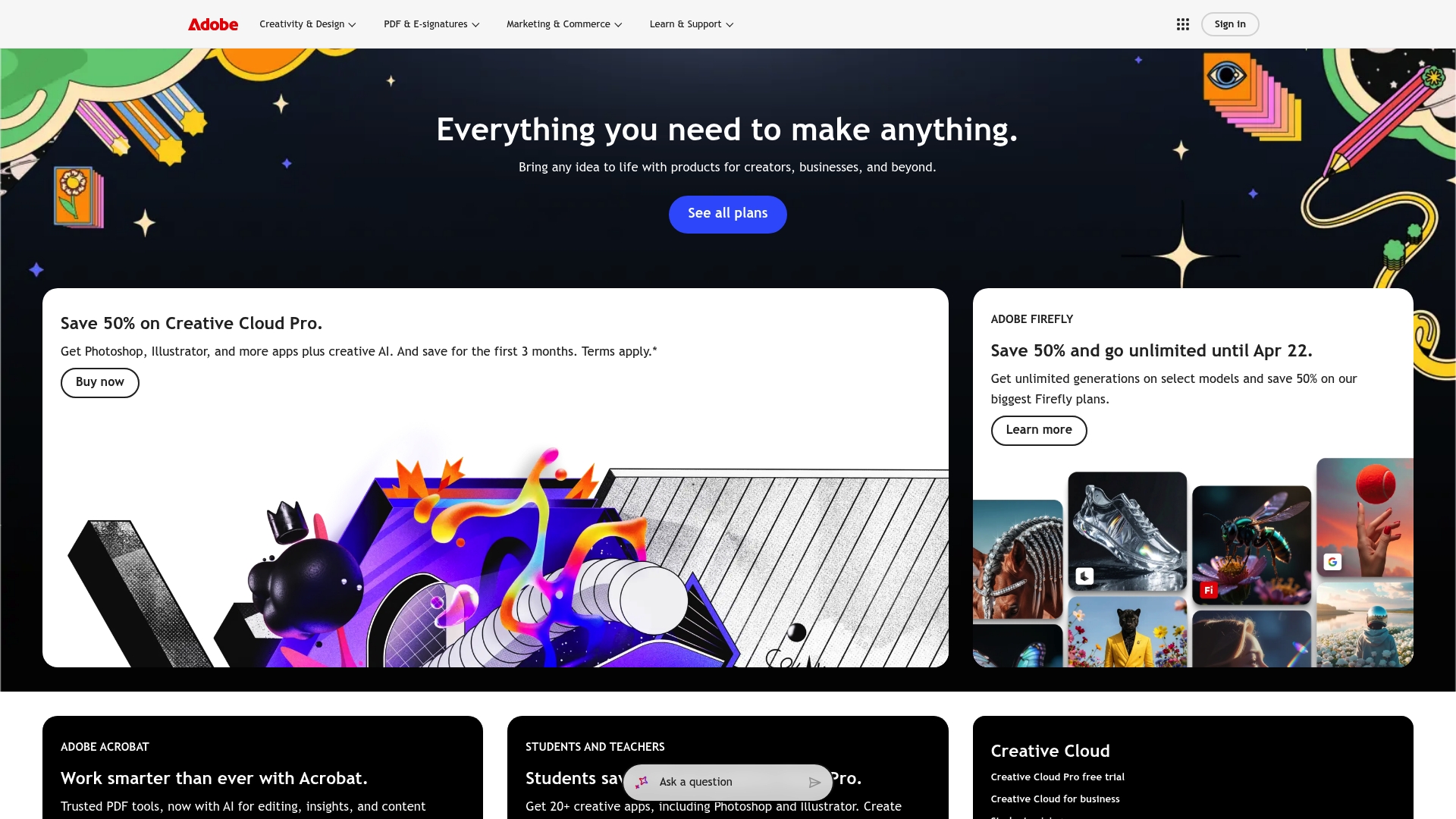
Adobe Creative Cloud provides a broad suite of professional creative apps aimed at creators and businesses. The offering pairs industry standard tools like Photoshop and Illustrator with AI features such as Adobe Firefly for generative content.
Core Features
Adobe Creative Cloud bundles access to multiple creative apps including Photoshop, Illustrator, and other specialist tools for photo, vector, and video work. It also includes creative AI tools such as Adobe Firefly and offers subscription plans for individuals and businesses with promotional discounts and unlimited generations on select models.
Pros
- Comprehensive suite of creative tools: The collection covers photo editing, illustration, and video production so teams can complete projects without switching platforms.
- Flexible subscription plans: Multiple plan types let solo creators and businesses choose access levels that match their budgets and feature needs.
- Access to advanced AI features: Adobe Firefly adds generative capabilities that speed up concepting and creative iterations.
- Discounts and promotional offers: New user promotions and periodic discounts reduce entry barriers for teams testing the platform.
- Industry standard software: The apps are widely used across professional studios which helps with file compatibility and hiring experienced talent.
Cons
- Can be costly for long term subscriptions given ongoing monthly or annual fees.
- Some applications may have a learning curve that requires training time for less experienced staff.
- Requires internet connection for cloud features which limits offline workflows for teams with unreliable connectivity.
Who It’s For
Adobe Creative Cloud fits creators, graphic designers, photographers, video editors, and businesses that need professional grade tools and AI assistance. Small and medium sized businesses that produce marketing assets, brand visuals, or product imagery will find direct value in the suite.
Unique Value Proposition
Adobe Creative Cloud combines industry standard applications with generative AI features under a single subscription model. That mix allows teams to move from concept to final asset within one ecosystem while leveraging AI to cut repetitive tasks and explore creative variations quickly.
Real World Use Case
A graphic designer subscribes to Adobe Creative Cloud to access Photoshop and Illustrator for branding and digital artwork. They use Adobe Firefly to generate concept backgrounds and variations, then refine selected ideas with manual editing for final deliverables.
Pricing
Various plans are available and pricing varies by plan type and region. Promotional discounts for new users are often available and select AI models offer unlimited generations as part of certain plans. Visit the website for current plan details and offers.
Website: https://adobe.com
Writesonic
At a Glance
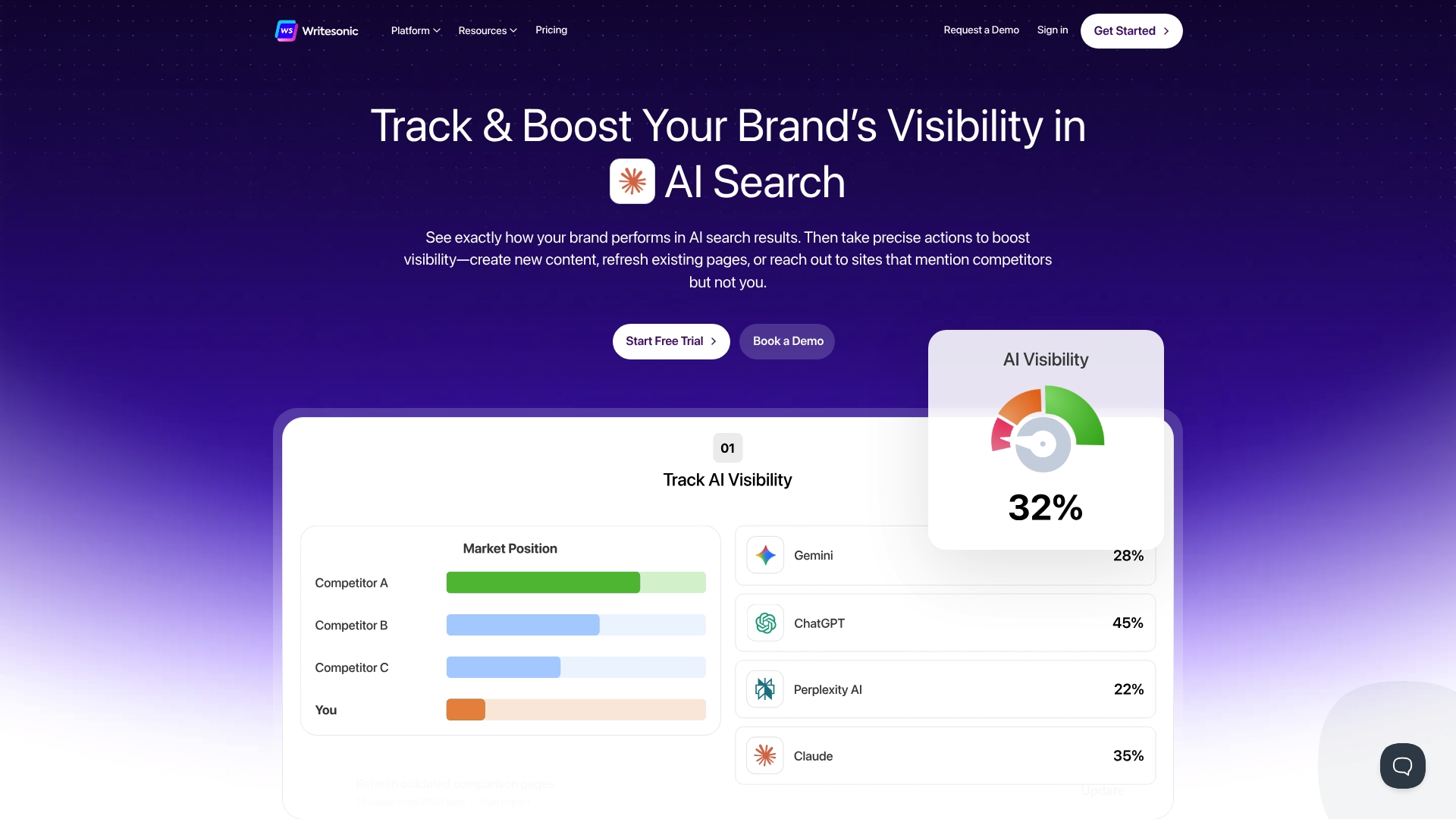
Writesonic is an AI-powered marketing platform that combines SEO monitoring, content creation, and automated fixes into a single workspace. It fits teams that want to track visibility across AI search platforms while generating content designed to perform on Google and emerging AI engines.
Core Features
Writesonic offers AI Visibility Tracking that monitors presence in ChatGPT, Claude, and Gemini in real time and an AI Search Volume Explorer that analyzes 120 million chat queries. The platform also includes content strategy features using Ahrefs and Google data plus AI Content Creation and a SEO AI Agent that runs audits and applies fixes without developer involvement.
Pros
- All-in-one marketing suite: It combines AI and traditional SEO tools so you avoid stitching multiple products together.
- Automated SEO fixes: The SEO AI Agent resolves site issues automatically which reduces manual developer time.
- Real-time visibility tracking: You can monitor presence across AI platforms and search engines as changes occur.
- Strong integrations: It connects with Ahrefs and Google Analytics which helps align content strategy and measurement.
- Flexible plans: Multiple plans scale from solopreneurs to large enterprises which makes adoption smoother as needs grow.
Cons
- Complex interface: New users may face a learning curve because the platform packs many features and menus.
- Pricing can rise quickly: Costs increase for larger teams or heavy usage which may strain small marketing budgets.
- Feature limits on basic tiers: Some advanced tools and higher usage caps require plan upgrades which adds expense.
Who It’s For
Writesonic suits businesses and digital marketing teams focused on improving presence on AI-first search channels and traditional search engines. It fits agencies, freelancers, and in-house teams that need content production plus visibility monitoring in a consolidated tool.
Unique Value Proposition
Writesonic stands out by blending AI content generation with live tracking of AI search visibility and automated SEO remediation. That combination lets teams create optimized content, verify how it performs on AI platforms, and fix issues without heavy developer involvement.
Real World Use Case
A digital marketing agency uses Writesonic to run continuous SEO audits, generate client articles optimized for AI citations, and watch visibility signals from multiple AI engines. The result is less manual auditing, faster content delivery, and improved search rankings for client sites.
Pricing
Pricing starts at $39/month for the Basic plan with annual billing and higher tiers are available for additional features and higher limits.
Website: https://writesonic.com
ContentStudio
At a Glance
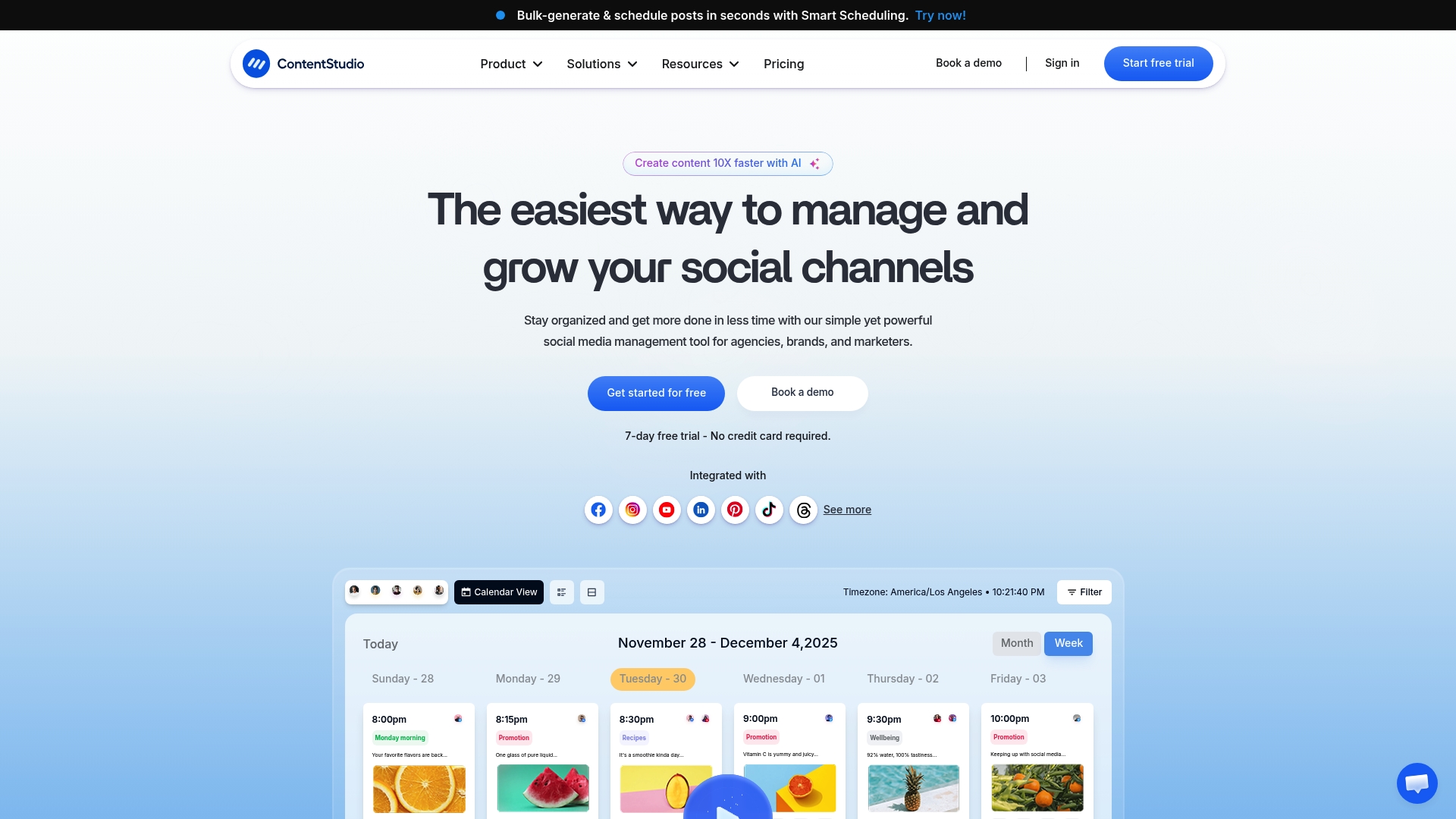
ContentStudio is an all-in-one social media management platform built for agencies, brands, and marketing teams. It combines content planning and AI-generated content with analytics to handle publishing, engagement, and reporting across many networks.
ContentStudio works well when you need a single tool to coordinate multiple accounts and client workflows, but small solo creators may find advanced tiers pricey and feature dense.
Core Features
ContentStudio centers on a content calendar and organizer for cross-network publishing and bulk operations. The platform includes AI-generated captions, images, and videos, smart scheduling, a social inbox for customer engagement, and reporting that tracks performance.
It also supports team collaboration, approvals, white-label client management, and multi-network publishing to Facebook, Instagram, Twitter, LinkedIn, TikTok, YouTube, and more.
Pros
- Comprehensive feature set including AI content creation and analytics makes it easy to create and measure campaigns from one place.
- Customizable workspaces and white-label client management allow agencies to manage multiple clients without mixing assets.
- Broad network support enables publishing to major platforms so you avoid juggling separate tools for each channel.
- User-friendly interface with mobile apps and a Chrome extension helps teams publish and respond while on the move.
- Team collaboration tools and approval workflows reduce back-and-forth and keep client signoff organized.
Cons
- Pricing may be expensive for small solo creators or startups who need only basic scheduling and occasional analytics.
- Some advanced capabilities, like white-label or high-volume features, require higher-tier plans or add-ons which increase total cost.
- The wide array of options creates a learning curve for new users who want to move fast without training.
Who It’s For
ContentStudio fits social media managers, digital marketers, and agencies that handle multiple accounts or clients and need centralized content planning, approval workflows, and reporting. Businesses that want built-in AI creation and multi-platform publishing see the most value.
Unique Value Proposition
ContentStudio combines AI content creation with client-focused features such as white-labeling and workspace separation. That mix makes it a single hub for agencies who must produce, approve, publish, and report on content across many accounts.
Real World Use Case
A digital marketing agency uses ContentStudio to create captions and short videos with AI, schedule posts for several clients, manage comments through the social inbox, and produce monthly analytics reports for each client, saving hours per week on coordination.
Pricing
Plans start at $19 per month for the Standard plan with tiers that scale to agency and enterprise needs. Higher tiers add client management, white-label options, and advanced features which increase monthly cost.
Website: https://contentstudio.io
AI Tools Comparison
Below is a comprehensive comparison table showcasing the features, pros, cons, unique value propositions, pricing, and usability across various AI tools reviewed in the article, helping the reader make an informed decision.
| Product | Features | Pros | Cons | Pricing |
|---|---|---|---|---|
| SimplyAI | Workflow Automation, AI Agents, Business Intelligence, Blockchain | |||
| Comprehensive API integrations; Specialized AI agents; Measurable improvements; Expert support; Industry recognition | Pricing information unspecified; Pricing tailored for businesses requiring custom integration work | Custom pricing, based on enterprise needs | ||
| Simplified | AI Workflows, Social Scheduling, AI Design, AI Video | All-in-one platform; AI-driven productivity; Flexible plans for growth | Initial complexity; Pricing scales for larger teams; Variably specialized feature depth | Starts free; Paid plans at $24/month |
| Canva | Design Templates, AI Writing and Design, Presentation Tools | Extensive library; Accessible interface; AI creativity assistance | Advanced functionality confined to pay tiers; Limited free storage per user | Free; Pro yearly plan at $144/year |
| Visme | Design Tools, Interactive Content Features, Collaboration | User-friendly; Asset library; Strong branding and interactive options | Comparative cost; Learning curve for advanced applications | Free tier available; Other tiers priced |
| Lumen5 | Blog-to-Video Workflow, AI Voice Generator, Video Editing | Drag-and-drop ease; Automation; Branding tools | Advanced features locked behind plans; Limited customization on lower tiers | Free; Paid plans start at $19/month |
| Adobe Creative Cloud | Professional design tools, AI-integrated features | Comprehensive tools; Advanced AI; Access to professional applications | Costly subscriptions; Learning curve for complex applications | Subscription-based; Discounts available |
| Writesonic | AI Visibility Tracking, SEO Automation, AI Content Creation | All-in-one marketing suite; Automated SEO; Real-time visibility tracking | Complex for new users; Costs increase for teams using advanced features extensively | Starts at $39/month |
| ContentStudio | Social Media Scheduling, AI Caption and Video Generation, Analytics | Comprehensive features; Suitable for agencies; Client management | Pricing for advanced tiers might grow expensive; Feature-dense for smaller team needs | Starter at $19/month, scales with features |
Discover Practical AI Solutions Beyond Simplified
The article “Top 8 Simplified.com Alternatives 2026” highlights common challenges such as tool complexity, the need for seamless automation, and measurable operational impact. If you are seeking to reduce repetitive tasks and improve efficiency in sales, finance, or operations, SimplyAI offers tailored AI automation designed specifically for small and medium-sized companies. Our focus on AI agents and workflow automation integrates smoothly with your existing CRM and ERP systems to unlock growth and save time.
Experience real operational improvements with AI agents that work for you. Explore SimplyAI and discover how our expertise in AI-powered workflow automation can help you accelerate business results today.

Ready to simplify your automation journey and achieve measurable outcomes? Visit SimplyAI now to start transforming your workflows with customized AI solutions that deliver clear value.
Frequently Asked Questions
What are the key features to look for in alternatives to Simplified.com?
Focus on features such as AI content creation, design tools, project management capabilities, and collaboration options. Assess how these features can streamline your workflow and enhance team productivity.
How can I determine which alternative to Simplified.com fits my needs?
Evaluate your specific content creation and marketing requirements by listing your essential tools and desired functionalities. Prioritize platforms that offer the most relevant features for your team’s work processes.
What factors should I consider when comparing pricing of Simplified.com alternatives?
Look at the total cost of ownership, including subscription tiers and usage limits. Consider the value offered by features, such as collaboration tools or AI assistance, and calculate potential savings, like reducing time spent on projects by up to 30%.
How do I migrate my existing content and assets to a new platform?
Check if the new alternative provides import tools or integration options for seamless migration. Create a backup of your existing content, then follow the outlined steps in your chosen platform’s migration guide.
What kind of support can I expect from alternatives to Simplified.com?
Most platforms offer customer support through online resources, live chat, or email. Review the help sections and user communities of each tool to assess the quality and accessibility of support.
Are there trial options available for alternatives to Simplified.com before committing?
Yes, many alternatives provide free trials or freemium plans that let you test their features. Sign up for these trials to explore the platform’s capabilities and determine if it meets your expectations.