
Many small business owners assume auto scaling is reserved for tech giants with massive IT budgets. The reality? SMB AI adoption is at 57%, with auto scaling enabling cost-effective scaling of operations. This technology automatically adjusts your AI resources to match demand, cutting costs while improving responsiveness. Whether you run customer service chatbots or data analytics tools, understanding auto scaling can transform how efficiently your business operates. This guide breaks down what auto scaling means for SMBs, how it works in practice, and the tangible benefits you can expect.
Table of Contents
- Key takeaways
- What is auto scaling in AI and why it matters for SMBs
- How auto scaling works: core methodologies and metrics
- Challenges and expert nuances in AI auto scaling
- Cost savings and performance benefits of auto scaling for SMBs
- Unlock your business potential with AI auto scaling solutions
- Frequently asked questions about AI auto scaling
Key Takeaways
| Point | Details |
|---|---|
| Cost savings with auto scaling | Auto scaling allocates compute only when needed, reducing waste and lowering bills. |
| Key metrics to monitor | Monitor CPU and GPU utilization, queue size, and latency to trigger scaling decisions. |
| Predictive scaling benefits | Predictive scaling uses historical data to forecast demand and provision resources ahead of spikes. |
| Avoid overprovisioning | Proper configuration with defined thresholds prevents waste and reduces cold start delays. |
| SMB efficiency gains | Automated scaling improves responsiveness and customer experience without significantly increasing IT staffing. |
What is auto scaling in AI and why it matters for SMBs
Auto scaling refers to the automatic adjustment of AI resource capacity to match your workload demands in real time. Instead of manually adding servers when traffic spikes or removing them during quiet periods, the system handles these changes automatically. For small and medium businesses, this matters because you face variable demand patterns but typically operate with limited IT budgets and staff.
The importance becomes clear when you consider typical SMB scenarios. Your AI-powered chatbot might handle 50 customer inquiries during regular hours but suddenly face 300 during a product launch. Without auto scaling, you either overpay for unused capacity or risk system crashes during peak demand. With AI automation reshaping enterprise 2026 operations, scaling capabilities have become accessible to businesses of all sizes.
Here’s what auto scaling delivers for SMBs:
- Cost savings by paying only for resources you actually use
- Improved responsiveness during unexpected traffic spikes
- Operational efficiency without hiring additional IT staff
- Better customer experience through consistent AI performance
- Reduced risk of system failures during peak periods
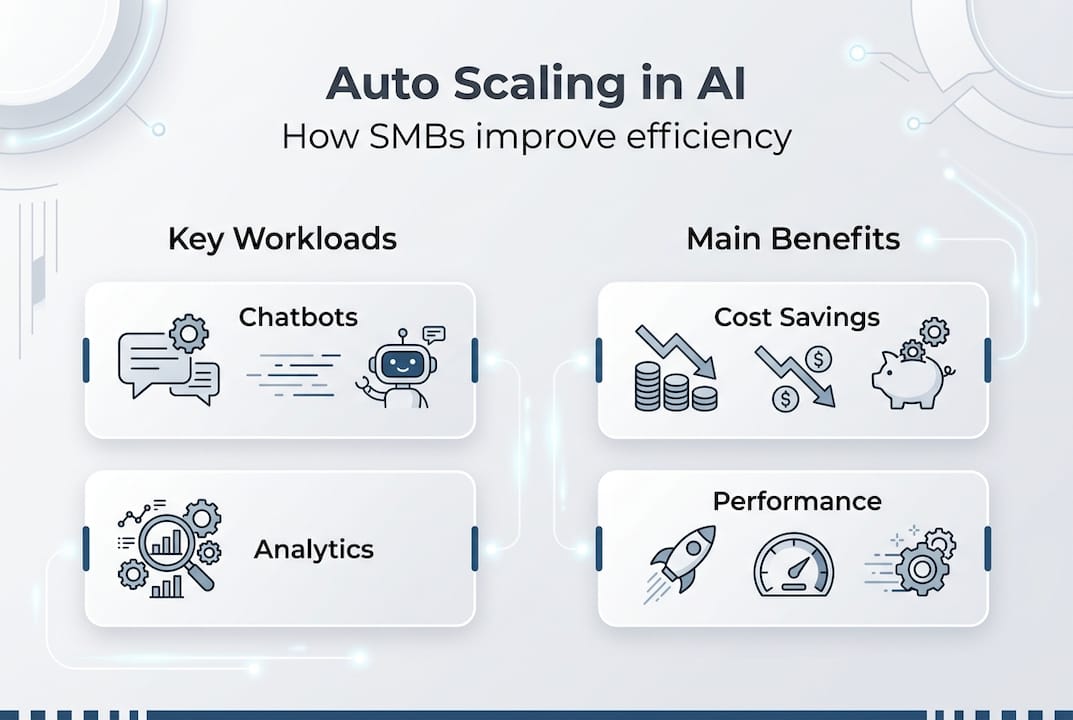
Common AI workloads that benefit most from auto scaling include customer service chatbots, real-time analytics dashboards, content recommendation engines, and fraud detection systems. These applications experience variable demand patterns that make fixed resource allocation inefficient. The technology adapts your infrastructure to match actual usage, eliminating the traditional tradeoff between cost and performance.
How auto scaling works: core methodologies and metrics
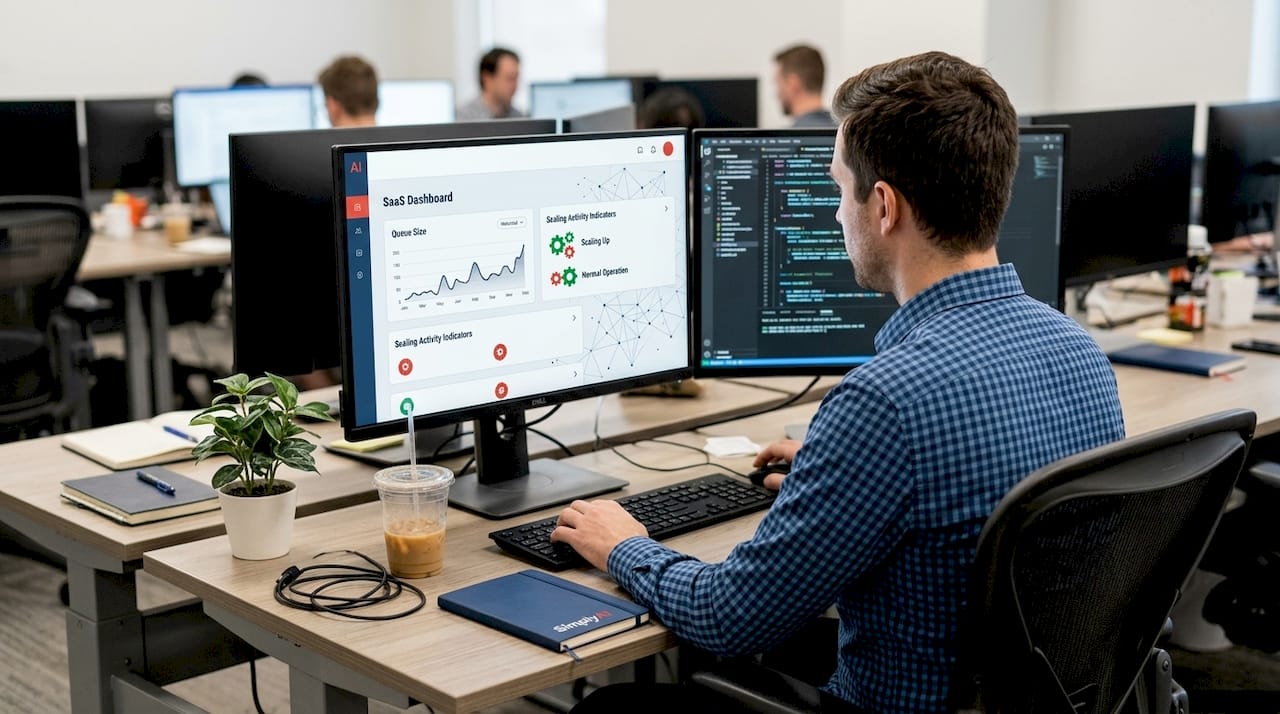
Auto scaling systems monitor specific metrics to determine when to add or remove resources. Core methodologies include monitoring CPU/GPU utilization, queue size, latency, and using horizontal pod autoscalers in Kubernetes clusters. Understanding these metrics helps you configure scaling that matches your business needs rather than relying on default settings that may not fit your workload patterns.
The most critical metrics for AI in business practical guide 2026 implementations include:
- CPU and GPU utilization percentages indicating compute resource usage
- Queue size showing how many requests are waiting for processing
- Response latency measuring how quickly your AI responds to requests
- Batch size affecting throughput for inference workloads
- Memory consumption tracking RAM usage across instances
Typical scaling actions follow this sequence:
- Monitor configured metrics at regular intervals (usually 15-60 seconds)
- Compare current values against defined thresholds for scaling triggers
- Scale out by adding new instances when demand exceeds capacity
- Distribute incoming requests across all available instances
- Scale in by removing instances when demand drops below thresholds
- Wait for stabilization periods before making additional changes
Predictive scaling represents an advanced approach that uses machine learning to forecast demand patterns. Instead of reacting to current load, the system analyzes historical data to anticipate traffic spikes. For example, if your e-commerce chatbot consistently sees increased activity every Monday morning, predictive scaling can provision resources beforehand.
Pro Tip: Monitor queue depth rather than CPU utilization for inference workloads. AI inference tasks often wait on I/O operations rather than compute, meaning CPU metrics can show low utilization even when your system is actually overloaded. Queue size provides a more accurate signal for scaling decisions.
Challenges and expert nuances in AI auto scaling
Implementing auto scaling effectively requires understanding common pitfalls that can undermine its benefits. Edge cases include CPU metric failure in I/O-bound inference and cold starts delaying scaling response. These technical challenges affect SMBs differently than enterprises because you typically have less margin for error and fewer resources to troubleshoot issues.
Common pitfalls include:
- Silent failures where CPU metrics appear normal but requests queue up due to I/O bottlenecks
- Cold start delays of 30-90 seconds when spinning up new instances
- Overprovisioning from misconfigured thresholds that trigger scaling too aggressively
- Scaling thrashing when systems rapidly add and remove resources
- Insufficient monitoring that misses performance degradation until customer impact occurs
Stabilization windows and cooldown periods prevent these issues by introducing deliberate delays between scaling actions. After scaling out, a stabilization window (typically 3-5 minutes) prevents immediate scale-in decisions that could cause instability. Cooldown periods ensure the system observes the impact of recent changes before making additional adjustments. Without these safeguards, your infrastructure might oscillate between states, wasting money and degrading performance.
Expert practitioners recommend multi-metric approaches that combine latency thresholds with resource headroom monitoring. This strategy catches problems that single-metric systems miss, particularly for AI workloads where bottlenecks shift between compute, memory, and I/O depending on request patterns.
Tiered workload management adds another layer of sophistication. Not all requests deserve equal priority. Customer-facing chatbot queries might require immediate response, while batch analytics jobs can tolerate delays. Configuring separate scaling policies for different workload tiers ensures critical services remain responsive even during resource constraints.
Forecast-aware scaling bridges reactive and predictive approaches. By incorporating known events (product launches, seasonal peaks, marketing campaigns) into your scaling configuration, you avoid the lag inherent in purely reactive systems. This becomes particularly valuable for SMBs where AI automation reshaping enterprise 2026 patterns often include predictable demand cycles tied to business operations.
Cost savings and performance benefits of auto scaling for SMBs
The financial impact of properly implemented auto scaling extends beyond simple resource optimization. Auto scaling can reduce cloud costs by 20-60% and improve resource utilization significantly. These savings accumulate across multiple dimensions: compute costs, storage expenses, and operational overhead that would otherwise require manual intervention.
| Implementation | Cost Reduction | Utilization Improvement | Key Technique |
|---|---|---|---|
| H2O.ai on EKS | 60% storage costs | 40% better resource use | Dynamic EBS provisioning |
| Heureka Group | 30% cloud costs | 50% capacity increase | Spot instance automation |
| Standard SMB | 25% GPU-hours | 35% efficiency gain | Queue-based scaling |
| E-commerce chatbot | 45% compute costs | 60% better response time | Predictive scaling |
Pro Tip: Combine Spot instances with auto scaling for maximum savings. Spot instances offer 50-70% discounts compared to on-demand pricing but can be interrupted. Auto scaling compensates by automatically replacing interrupted instances, giving you enterprise-grade reliability at fraction of the cost. Configure a mix of Spot and on-demand instances to balance savings with stability.
Beyond direct cost reduction, auto scaling improves operational metrics that drive business value. Response time consistency increases customer satisfaction, particularly for AI-powered customer service tools. Resource utilization improvements mean you extract more value from existing infrastructure investments. Reduced manual intervention frees your team to focus on strategic initiatives rather than firefighting capacity issues.
Real-world examples demonstrate these benefits across different SMB contexts. An online retailer using AI product recommendations reduced cloud spending by 40% while handling 3x traffic during holiday sales. A financial services firm cut chatbot infrastructure costs by 35% while improving average response time from 2.3 seconds to 0.8 seconds. A healthcare startup scaled their diagnostic AI to serve 10x more patients without proportional cost increases.
The performance benefits compound over time. Initial auto scaling implementation typically captures 20-30% savings from eliminating obvious overprovisioning. As you refine configurations based on actual usage patterns, additional 10-20% improvements become possible. SimplyAI AI automations help businesses identify and capture these incremental gains through continuous monitoring and optimization.
Unlock your business potential with AI auto scaling solutions
Implementing effective auto scaling requires expertise in both AI systems and cloud infrastructure management. SimplyAI specializes in designing and deploying AI automations that include intelligent scaling configurations tailored to your specific workload patterns. We help SMBs avoid common pitfalls while capturing the full cost and performance benefits that auto scaling enables.

Our approach combines technical implementation with business context. We analyze your current AI workloads, identify optimization opportunities, and configure auto scaling policies that match your operational reality. Whether you’re running customer service AI agents, analytics pipelines, or content generation systems, we ensure your infrastructure scales efficiently. Ready to reduce costs while improving performance? Explore how SimplyAI can transform your AI operations with intelligent auto scaling solutions designed for small and medium businesses.
Frequently asked questions about AI auto scaling
What metrics are typically used for AI auto scaling?
The most effective metrics include queue size for inference workloads, GPU utilization for training tasks, and response latency for customer-facing applications. CPU metrics alone often miss I/O bottlenecks common in AI systems. Combining multiple metrics provides more reliable scaling signals than relying on single indicators.
How can SMBs avoid overprovisioning and reduce scaling delays?
Set minimum replica counts above zero for latency-sensitive workloads to eliminate cold start delays. Use stabilization windows of 3-5 minutes to prevent scaling thrashing. Configure conservative scale-in policies that remove resources slowly while maintaining aggressive scale-out triggers for handling demand spikes. Regular monitoring helps identify and correct misconfigured thresholds before they impact costs. AI automation reshaping enterprise 2026 practices emphasize continuous tuning based on actual usage patterns.
What cost savings are realistic when implementing auto scaling?
Most SMBs achieve 25-45% cost reduction in the first 90 days of implementation, with additional 10-20% gains possible through ongoing optimization. Businesses with highly variable workloads see the largest impact, sometimes reaching 60% savings. The exact amount depends on your current overprovisioning level, workload patterns, and how aggressively you configure scaling policies.
Which AI workloads benefit most from auto scaling?
Inference tasks like chatbots, recommendation engines, and real-time analytics gain the most from auto scaling because they experience variable demand patterns throughout the day. Edge computing workloads with unpredictable traffic spikes also benefit significantly. Batch processing and training jobs see less benefit because they typically run on fixed schedules with predictable resource needs. Customer-facing AI applications should prioritize auto scaling to maintain consistent performance during traffic variations.
Are there risks with using Spot instances in auto scaling?
Spot instances risk interruption but with automation can achieve 50-70% cost savings. The main risk is service disruption when cloud providers reclaim Spot capacity with minimal notice. However, auto scaling mitigates this by automatically replacing interrupted instances with new ones. Configure a baseline of on-demand instances for critical workloads, then use Spot instances for additional capacity. Modern automation tools handle interruptions gracefully, making Spot instances viable even for production AI workloads.
How do SMBs get started with AI auto scaling?
SMBs should start with managed cloud autoscalers using queue and GPU metrics rather than building custom solutions. Begin with conservative thresholds and gradually optimize based on observed performance. Set minimum replicas above zero for customer-facing services to avoid cold start delays. Implement comprehensive monitoring before enabling auto scaling to establish baseline metrics. Most cloud providers offer autoscaling templates specifically designed for AI workloads that provide good starting configurations. Follow our step by step AI integration guide for detailed implementation instructions tailored to SMB contexts.
Recommended
- How AI Automation Is Reshaping Enterprise Operations in 2026 — SimplyAI
- AI & Automations — SimplyAI
- Blog — SimplyAI
- Why Every Company Needs a Centralized AI Intelligence Layer — SimplyAI
- AI Tools for Entrepreneurs: Automate 80% of Workloads in 2026 – Starfireblast
- Complete Guide to AI in Ecommerce Analytics - Affinsy Blog | Affinsy